
By the Arab Seed News Creative Lab
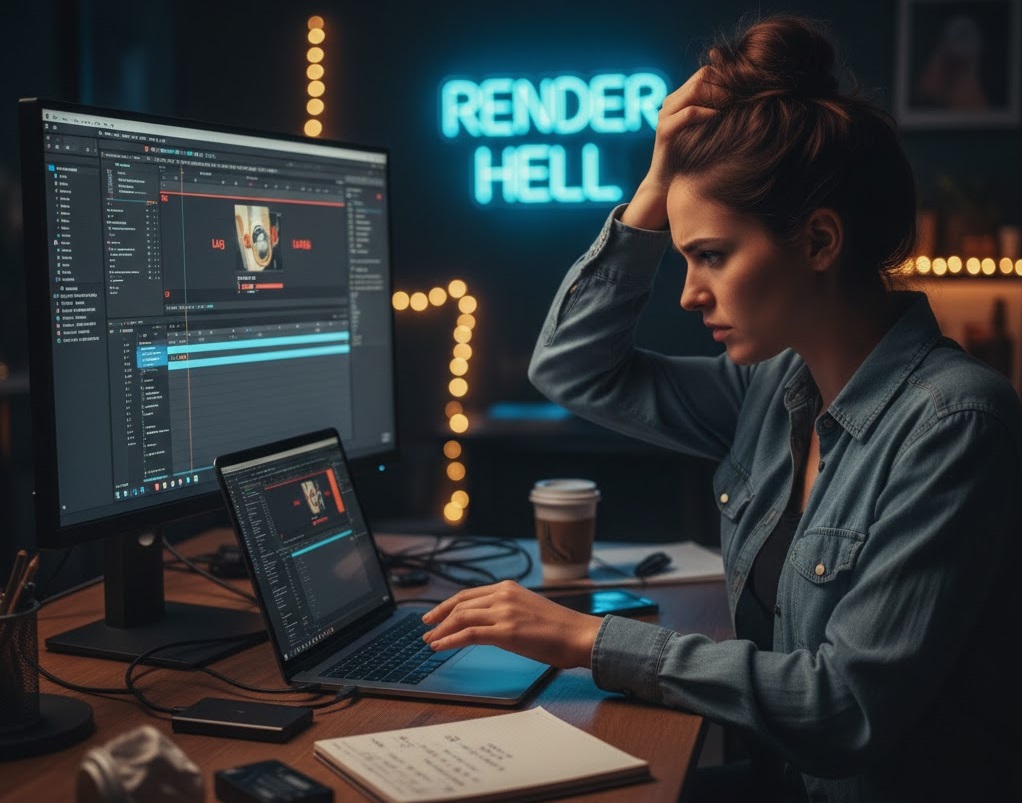
You’ve invested in a fast laptop. You’ve mastered the latest AI tools. But every time you drag a 4K clip onto your timeline, your software “stutters” or takes forever to generate a thumbnail. You check your RAM usage—it’s fine. You check your CPU—it’s not even at 50%. So, what’s the problem?
The problem is sitting on your desk, connected by a USB cable.
At Arab Seed News, we see this mistake every day: creators shooting 4K footage and trying to edit it directly from an old-fashioned “Spinning” Hard Drive (HDD). In 2026, if you aren’t using a Portable SSD, you aren’t just slowing down your work—you are killing your creativity.
1. The “Spinning” Bottleneck: HDD vs. SSD
Think of an old HDD (Hard Disk Drive) like a library where a librarian has to physically walk to a shelf to find your book. It’s slow. An SSD (Solid State Drive) is like a digital search—instant.
-
The Math: A standard external HDD has a read speed of about 100 MB/s. A modern 4K video file often needs much more than that for smooth playback.
-
The SSD Reality: A basic Portable SSD (like the Samsung T7 or SanDisk Extreme) offers speeds of 1,000 MB/s or more. That is 10 times faster.
2. Why “Read Speed” is More Important Than “Storage Space”
When you are editing, your software is constantly “reading” multiple files at once—video, audio, and preview files. An HDD simply can’t keep up with these simultaneous requests. This is what causes the “lag” when you move your playhead. Our Experience at Arab Seed: Switching to a dedicated SSD for our “Active Projects” reduced our render times by 30% and eliminated 90% of our timeline stuttering.
3. The “Heat” and “Durability” Factor
We’ve all accidentally knocked an external drive off a desk. If that drive is an HDD, it has moving parts that can shatter, losing all your footage instantly. An SSD has no moving parts. It’s essentially a giant USB stick. At the Arab Seed studio, we prefer SSDs because they are rugged. Whether we are shooting in a dusty outdoor location or a hot studio, we don’t have to worry about a mechanical failure ruining a client’s project.
4. What to Look for in 2026: USB-C and NVMe
Not all SSDs are created equal. If you are buying a drive today, ensure it has these two things:
-
USB 3.2 Gen 2 or Thunderbolt: This ensures the “pipe” between your drive and your computer is wide enough for the data.
-
NVMe Technology: This is the latest type of internal memory that allows for those 1,000+ MB/s speeds.
The Verdict: The Best Investment Under $150
If you have $150 to spend on your setup, don’t buy a new lens or a fancy filter. Buy a 2TB Portable SSD. It is the single most effective way to make your computer feel “new” again and make the editing process actually enjoyable.
Our Pro Tip: Keep your old HDDs for “Archiving” (storing finished projects), but always do your “Active Editing” on an SSD. Your sanity is worth the extra few dollars.
Related posts:
 Beyond the Hype: 5 AI Tools That Actually Save Video Editors Time (Not Just Generate Clips)
 Why I Finally Switched to DaVinci Resolve in 2026 (And Why You Should Too)
 Why I’m Still Using the Sony A7III in 2026 (And Why You Shouldn’t Upgrade Yet)
 Confessions of a Video Editor: Why I’m Choosing CapCut Desktop Over Premiere Pro in 2026