By Arab Seed News Editorial Team
If you’ve spent more than five minutes on social media lately, you’ve probably seen those “breathtaking” AI movie trailers. Everyone is shouting that “Hollywood is dead” and that AI has finally replaced the director’s chair. But as someone who actually spends 10 hours a day in Premiere Pro and DaVinci Resolve, I know that a 5-second “cool” clip is easy—but a usable, consistent shot is nearly impossible.
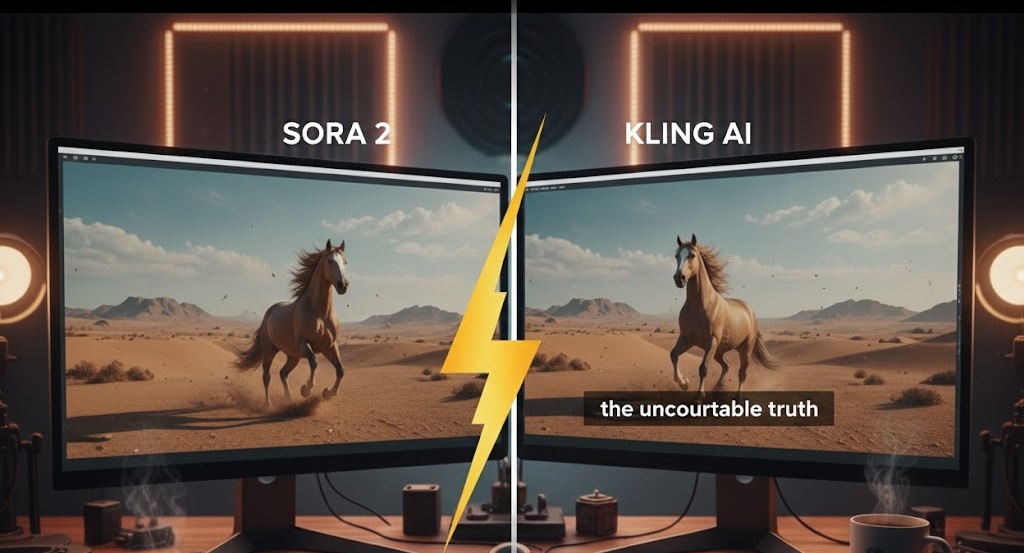
I decided to stop listening to the hype. For the last seven days, I ran a head-to-head stress test between OpenAI’s Sora 2 and the latest Kling AI 2.0 update. My goal wasn’t to make art; it was to find out if these tools are actually ready for a real production timeline. Here is the uncomfortable truth I discovered.
The “Consistency” Nightmare
The biggest problem with AI video has always been “flickering.” In one frame, your character has a beard; in the next, it’s a shadow. For a creator, this makes the footage useless.
I put both models through what I call the “Coffee Shop Stress Test.” I used the exact same prompt:
“Close-up of a middle-aged man in a weathered red leather jacket, sitting in a dimly lit cafe. He takes a sip of steaming coffee, then slowly turns toward the camera with a look of genuine terror as the lights flicker.”
Sora 2: The Master of Aesthetics, The Slave to Glitches
OpenAI’s Sora 2 is undeniably beautiful. The way it handled the steam from the coffee cup was breathtaking—it looked like it was shot on an Arri Alexa. The lighting had a depth that Kling simply couldn’t match.
However, the “Human Factor” failed. As the man turned his head, his jacket collar shifted shape, and for a split second, his ear seemed to merge into his hair. It’s what we call the “Uncanny Valley” effect. It’s gorgeous for a dream sequence, but if you need that character to appear in the next scene, you’re going to have a massive continuity headache.
Kling AI: The Physics King
Kling AI 2.0 felt different. While the colors weren’t as “dreamy” as Sora’s, the structural integrity was far superior. When the man drank the coffee, the liquid in the cup actually reacted to the tilt. In Sora, the liquid sometimes looked like a solid block.
Kling’s character consistency remained stable throughout the 10-second generation. The man who started the clip was the same man who ended it. For a storyteller, this is worth more than a thousand cinematic filters. If I’m editing a short film, I can fix colors in post-production, but I can’t fix a face that changes shape.
The 2026 Verdict: Vibes vs. Utility
We are currently in a “fork in the road” for AI video:
Sora 2 is for the Visionaries. It’s perfect for B-roll, abstract music videos, and social media eye candy where “vibe” matters more than logic.
Kling AI is for the Operators. It is a tool for people who are trying to build scenes that actually make sense.
Final Thoughts Is AI replacing directors in 2026? Absolutely not. Right now, Sora and Kling are like having a brilliant but incredibly eccentric storyboard artist who occasionally forgets how human anatomy works. They are powerful assistants, but they still need a human hand to guide the “soul” of the story.
My Advice: If you are starting a YouTube channel today, don’t rely on one tool. Use Sora for your atmospheric shots, but trust Kling for your character-driven moments.