
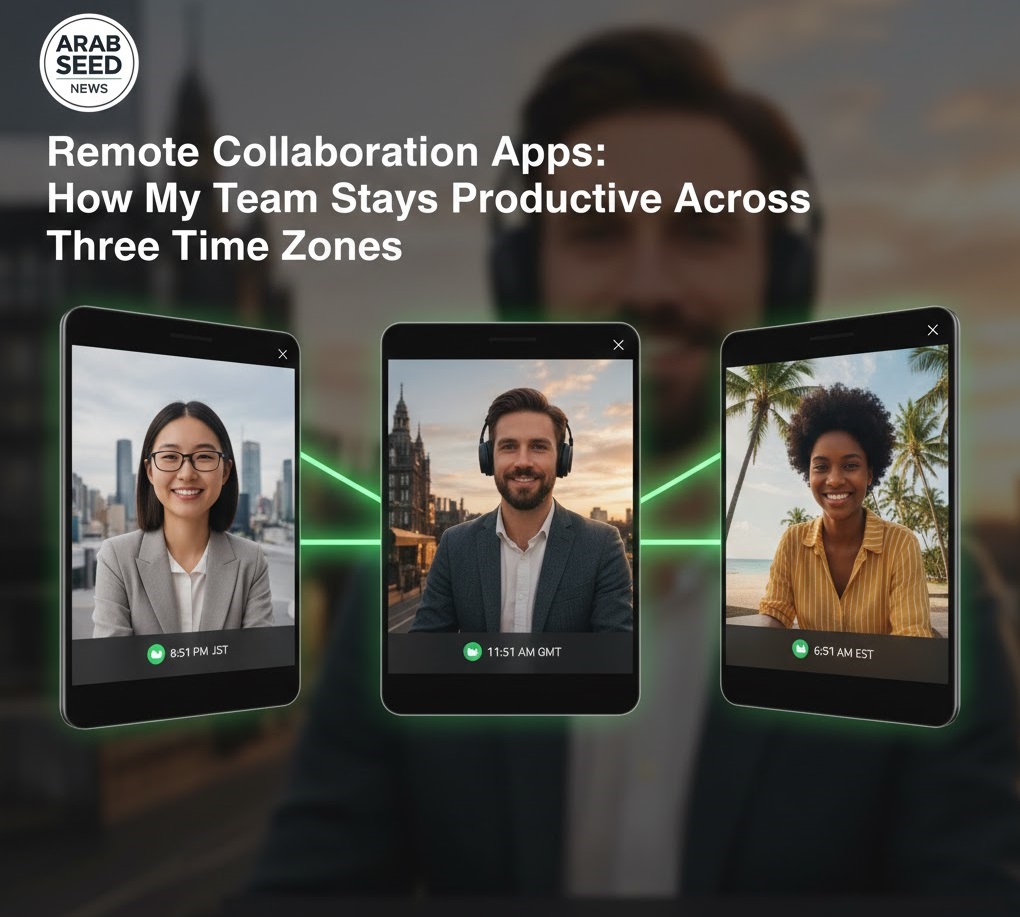
The Chaos of the “Email Thread”
I remember the nightmare of 2020. I was trying to manage a small team of editors spread across different cities. We were sending massive files over WeTransfer, leaving feedback in long, confusing email threads like “At 02:14, can you make that red… no, the other red,” and losing track of which version was the “Final_Final_v2.” It was a recipe for burnout and client dissatisfaction. In 2026, the “Local Editor” is a rare breed; we are all global now. At Arab Seed News, our team operates in three different time zones, and if it weren’t for our collaboration stack, we’d be in total chaos.
The Infrastructure of Modern Editing: LucidLink and Frame.io
The “Old Way” of remote work involved downloading files, editing locally, and re-uploading. This is dead. The “New Way” is Cloud-Native Editing.
LucidLink is the backbone of our studio. It allows our editors in Cairo, Dubai, and London to access the same 100TB server as if it were a hard drive plugged directly into their computers. There is no “downloading.” You simply click the file, and it streams the bits you need in real-time. This has eliminated the “Data Management” bottleneck that used to take up 20% of our week.
Frame.io (now deeply integrated into both Premiere and Resolve) is our “Communication Hub.” Instead of emails, the client or creative director draws directly on the video frame. If they don’t like a shot, they circle it on their tablet, and that comment appears as a marker on the editor’s timeline instantly.
The Importance of Real-Time Feedback Loops
Remote collaboration fails when there is a delay in communication. In a physical studio, I can walk over to an editor’s shoulder and say “Try this.” In a remote world, we use AI-Sync tools that allow us to watch a high-quality, lag-free stream of the editor’s timeline in real-time. This “Virtual Over-the-Shoulder” session is what keeps our creative vision unified.
How-to: Setting up a Frictionless Remote Pipeline
If you are looking to scale your production team, follow this “Arab Seed” blueprint:
-
Establish a Naming Convention: This sounds boring, but it’s the most important step. Every file must follow a strict template (DATE_PROJECT_SCENE_VERSION). Without this, your cloud server will become a digital graveyard.
-
Automated Watch Folders: Set up your export folder to be a “Watch Folder.” Every time an editor renders a draft, the software automatically uploads it to the review platform and pings the Slack channel. No human intervention required.
-
The “Proxy-First” Cloud Strategy: Even with fast internet, 8K files are heavy. We set our cameras to record internal proxies. These tiny files upload to the cloud automatically via 5G or Starlink. The editor can start cutting the video while the camera crew is still packing up their gear on location.
-
Version Control Security: Use “Role-Based Access.” Not everyone needs to be able to delete files. Limit your editors to “Read/Write” and your clients to “Review Only.”
The Result: A remote team isn’t a compromise; it’s a competitive advantage. It allows you to hire the best talent in the world, not just the best talent in your zip code.



More Stories
The “Silent” Power of Metadata: Why Pro-Editors Spend 2 Hours Tagging Before They Cut
iPad Pro for Video Editing: Is it Finally a Pro-Level Tool?
DaVinci Resolve vs. Premiere Pro: Why I Switched After 10 Years