
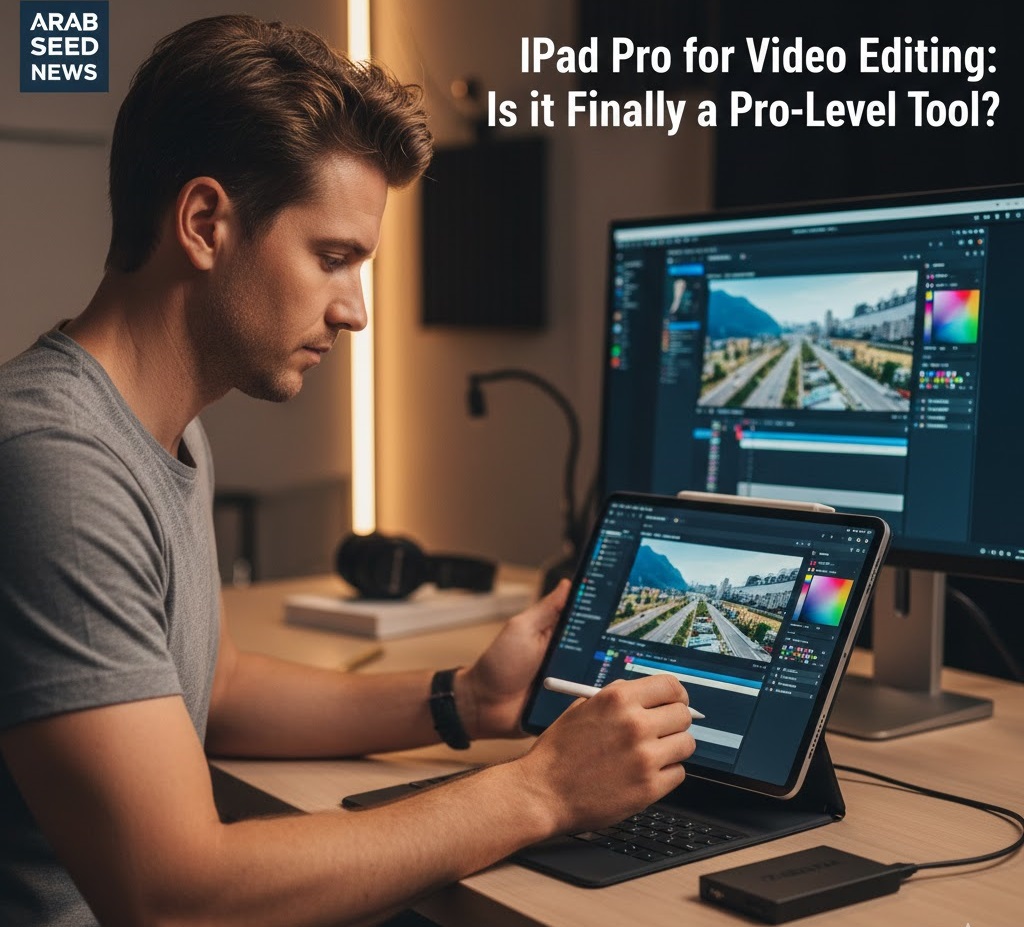
The Dream of the “Mobile Studio”
I have always been a nomad. The idea of being shackled to a desk in a dark room for 10 hours a day has always felt like a creative prison. I’ve spent a decade chasing the dream of a truly portable professional editing setup. I tried high-end laptops, but they were heavy, the batteries died in two hours, and they got hot enough to fry an egg. When the 2026 M4 iPad Pro was released, I decided to put it to the ultimate test: I left my MacBook at home and went on a 7-day commercial shoot with nothing but a tablet.
The Hardware Paradox: Power vs. OS Limitations
In 2026, the iPad Pro’s hardware is, quite frankly, terrifyingly powerful. The M4 chip handles 8K ProRes footage better than many desktop PCs. However, the hardware has always been held back by iPadOS. For years, Apple treated the iPad like a “giant iPhone.” But with the latest updates to Final Cut Pro for iPad and DaVinci Resolve for iPad, the “Sandbox” walls are finally starting to crumble.
The biggest hurdle for any professional moving to the iPad is File Management. On a Mac or PC, you have total control over your folders. On an iPad, you have the “Files” app, which can feel like trying to organize a library through a keyhole. However, for a specific type of editor—the “Fast-Turnaround Creator”—the iPad is no longer just a toy; it’s a surgical tool.
The Reality of Professional Editing on Glass
Editing with a Pencil and Touch is a completely different sensory experience. It feels more like “crafting” the video with your hands. For rough cuts and logging footage, it is actually faster than a mouse and keyboard. You can scrub through footage, mark in/out points, and drag clips to the timeline with an intuitive speed that makes the desktop feel ancient.
However, the iPad still struggles with Thermal Throttling during long, complex renders. If you have a 30-minute timeline with heavy color grading and noise reduction, the iPad will eventually slow down to protect its internal components. This is why the iPad Pro is currently best suited for “The Daily Content” rather than “The Feature Film.”
How-to: Building a “Bulletproof” iPad Editing Workflow
If you want to use the iPad as a pro tool in 2026, you must follow these three rules:
-
The External SSD Rule: Never edit directly from the iPad’s internal storage. Use a high-speed Thunderbolt 4 SSD formatted to APFS. This keeps the OS snappier and ensures you don’t run out of space mid-project.
-
The Proxy Workflow is Non-Negotiable: Even though the iPad can edit 8K, you shouldn’t. Generate 1080p proxies. Your battery will last 3x longer, the device will stay cool, and your editing experience will be lag-free.
-
Master the “Universal Control” feature: If you have a Mac at home, use Universal Control to move files between your iPad and Mac wirelessly. This allows the iPad to be part of a larger ecosystem rather than an isolated island.
The Verdict: The iPad Pro is not a replacement for a high-end desktop, but it is the perfect “Secondary Studio.” For social media managers, vloggers, and on-site news editors at Arab Seed News, it is the most powerful tool in the bag.




More Stories
The “Silent” Power of Metadata: Why Pro-Editors Spend 2 Hours Tagging Before They Cut
Remote Collaboration Apps: How My Team Stays Productive Across Three Time Zones
DaVinci Resolve vs. Premiere Pro: Why I Switched After 10 Years