
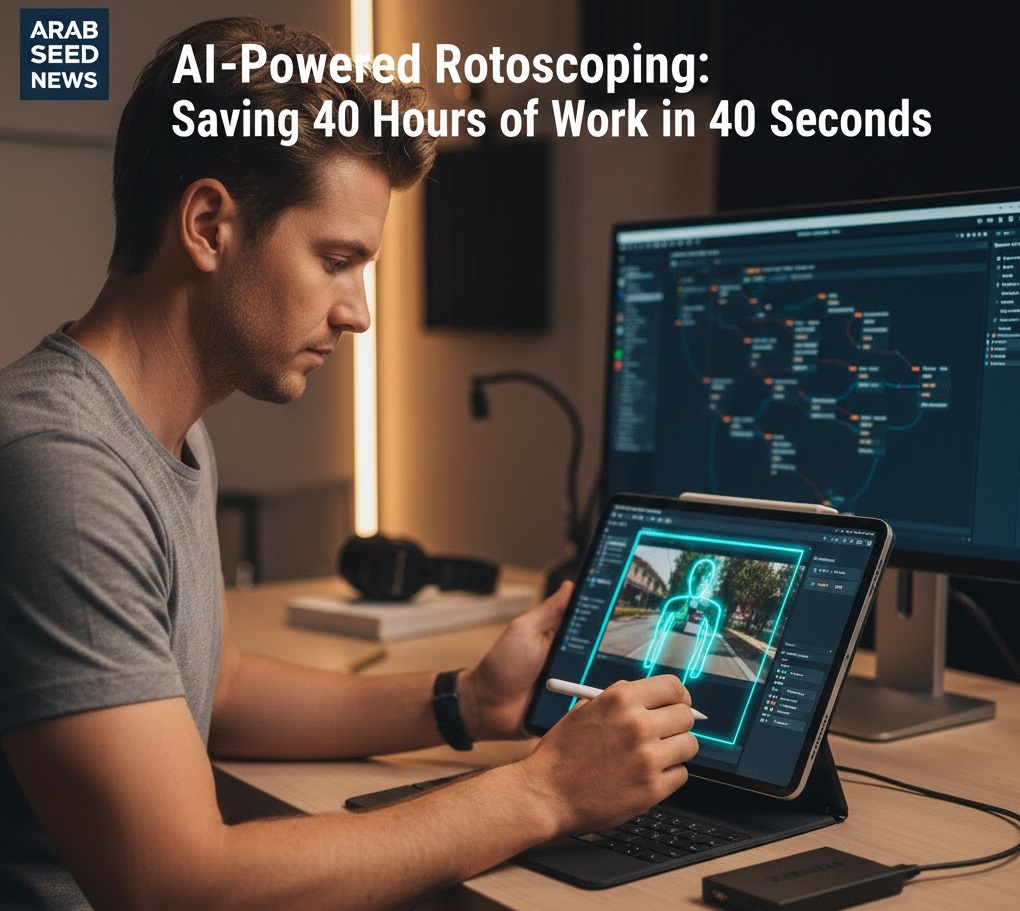
The Trauma of the Pen Tool
If you’ve been in the industry for more than five years, you probably have a “rotoscoping trauma story.” Mine happened in 2018 when a client asked me to remove a distracted background from a 2-minute interview where the subject was wearing a lace dress and moving her hands constantly. I spent an entire week—nearly 40 hours—clicking the “Pen Tool” around her hair and fingers, frame by frame. It was mind-numbing, soul-crushing work.
When AI-powered rotoscoping tools first arrived, I was skeptical. I thought, “There’s no way a machine can handle the fine detail of hair or motion blur.” I was wrong. The technology in 2026 hasn’t just improved; it has fundamentally deleted one of the most hated tasks in filmmaking history.
How the Magic Works: The Neural Engine and Object Recognition
Traditional rotoscoping was based on Edge Detection. The software looked for contrast between a subject and the background. If the background was messy, the software failed.
Modern AI tools, like those found in DaVinci Resolve’s Magic Mask or Adobe’s Roto Brush 3.0, use Neural Networks. They don’t just see “edges”; they “understand” what a human looks like. They know that a hand is connected to an arm, and they can predict where that hand will move even if it temporarily goes out of focus. This is Semantic Isolation. The AI is looking at the “meaning” of the pixels, not just their color.
The Efficiency Revolution
For a professional editor, this means that the “cost” of a high-end visual effect has dropped to almost zero. Want to put text behind a person walking through a park? That used to be a half-day job. Now, it’s a 10-second task. This allows us to be more creative because we aren’t afraid of the “technical debt” of a complex edit.
However, AI rotoscoping isn’t perfect. It can still get “confused” by fast motion or low-light grain. This is where the Human/AI Hybrid Workflow becomes essential.
How-to: The “Base Pass and Refine” Technique
To get perfect, professional-grade masks every time, follow this workflow:
-
The “Quality” Frame: Start at a frame where your subject is most clearly visible. Draw a few simple strokes (usually a “plus” sign on the head, torso, and limbs).
-
The Base Pass: Let the AI propagate the mask forward and backward. Don’t worry if it makes mistakes.
-
Manual Key-framing (The Refinement): Go to the frames where the AI lost the track. Instead of starting over, simply add a “Correction Stroke” (a “minus” stroke to remove the background it accidentally included). This tells the AI, “You were wrong here, try again.”
-
Edge Feathering and Motion Blur: The biggest giveaway of a bad roto job is a sharp, robotic edge. Always add a 2.0 pixel “Inner Feather” and enable “Motion Blur” in the mask settings. This makes the subject blend naturally back into the new background.
Final Thought: AI rotoscoping hasn’t replaced the editor; it has liberated the artist. At Arab Seed News, we use these hours saved to focus on better storytelling and more creative color grading.




More Stories
15+ Best Gemini Prompts for Pre-Wedding Photoshoots
Google Flow AI 2026: Mastering Cinematic Storytelling with Google’s Creative Hub
The Danger of “AI Fatigue”: How to Stay Unique in a Generated World