
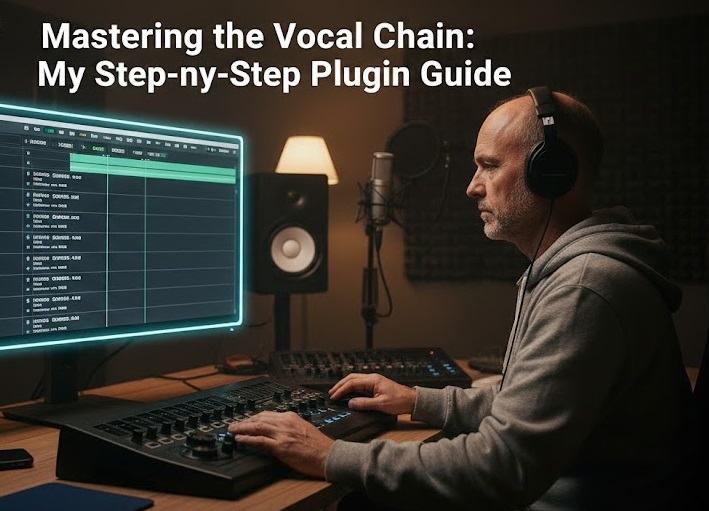
The “Shimmer” Obsession
For years, I was obsessed with what I called the “Professional Shimmer”—that crisp, expensive-sounding vocal quality found in high-end advertisements and top-tier YouTube channels. I used to think it was a secret plugin that only “the pros” knew about. I spent thousands of dollars on “magic” bundles, only to end up with vocals that sounded thin, sibilant, and artificial. It took me a long time to realize that professional sound isn’t about adding “expensive” effects; it’s about the order and subtlety of the processing. The “magic” is in the Vocal Chain.
Understanding Signal Flow: The Architecture of Sound
In 2026, we have access to incredible AI-driven audio tools, but a professional sound engineer knows that the Signal Flow (the path the audio takes through your plugins) is the most critical part of the process. If you put your reverb before your compressor, or your EQ after your limiter, you are fighting against the physics of sound.
A vocal chain is like building a house. You start with the foundation (cleaning the audio), move to the structure (controlling the dynamics), and finish with the paint (tonal shaping).
The Step-by-Step “Golden Chain”
1. The De-Esser (The Initial Clean-up) Many people put the De-Esser at the end of the chain, but I’ve found that placing a light De-Esser at the very beginning is a game-changer. Why? Because you want to catch those harsh “S” and “T” sounds before they hit the compressor. Compression makes everything louder, including the harshness. By taming it early, your vocal stays smooth.
2. Subtractive EQ (The Mud Remover) This is where most beginners go wrong. They try to add treble to make the voice “bright.” Instead, you should focus on what to remove.
-
High-Pass Filter: Cut everything below 80Hz to remove floor rumble and mic-stand vibrations.
-
The “Mud” Cut: Find that boxy, unpleasant frequency around 300Hz-500Hz and pull it down by 3dB. This immediately makes the voice feel like it’s “in the room” rather than “in a box.”
3. Serial Compression (The Secret to Thickness) This is my favorite “pro” secret. Instead of using one compressor to do all the work, use two.
-
Compressor 1 (The Peak Tamer): Set a fast attack and fast release. Its only job is to catch the loudest spikes in your voice.
-
Compressor 2 (The Tone Leveler): Use an optical-style compressor (like an LA-2A emulation) with a slow attack. This glues the vocal together and gives it that “thick,” consistent feel without making it sound “squashed.”
4. Additive EQ and Saturation (The Paint) Now that the vocal is clean and controlled, you can add the “Shimmer.” Use a high-shelf boost around 10kHz for air. Then, add a touch of Saturation. Saturation adds “harmonic excitement”—it’s the digital equivalent of recording onto old analog tape. It makes the voice feel “expensive.”
How-to: The “3dB Rule” for Professional Results
To ensure your vocal chain doesn’t sound over-processed, follow the 3dB Rule:
-
Never let a single compressor reduce the gain by more than 3dB.
-
Never boost or cut a frequency by more than 3dB in a single EQ.
-
If you need more than 3dB of change, use two plugins in a row to do the work gradually. This keeps the audio sounding natural and transparent, which is the hallmark of a professional mix.




More Stories
Forensic Audio Repair: Saving “Unusable” Audio Without AI Artifacts
Spatial Audio in 2026: Designing for a 3D World
Why Your High-End Mic Sounds Terrible (and How to Fix It Today)