
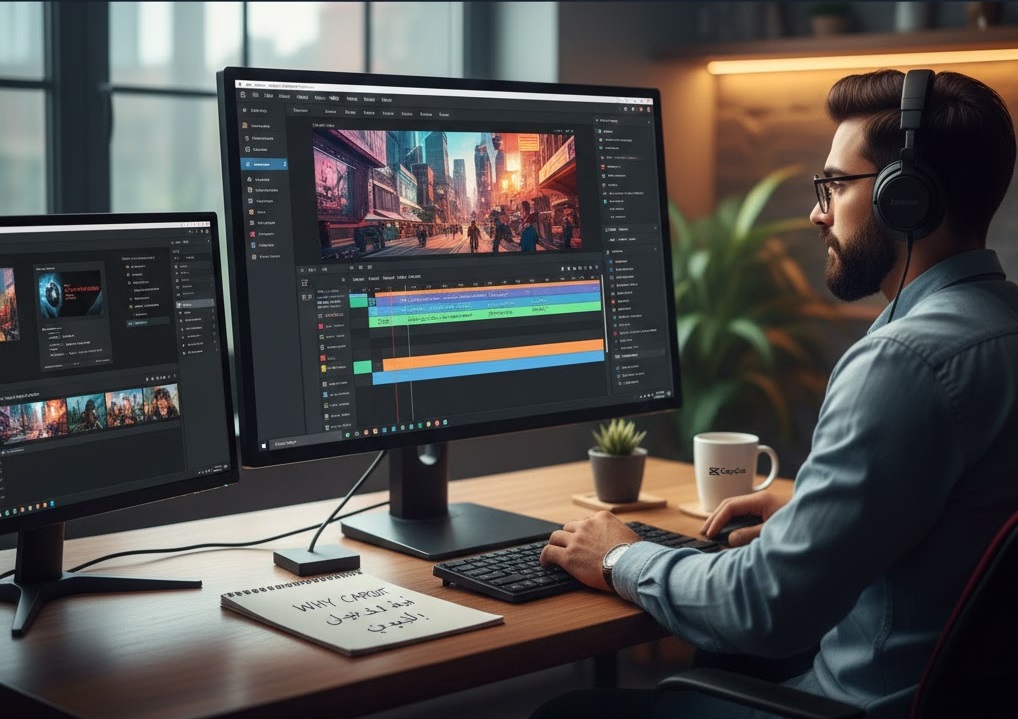
By the Arab Seed News Post-Production Team
If you had walked into our studio five years ago and told me I’d be using a “TikTok app” to edit our high-traffic YouTube content, I would have probably shown you the door. Back then, being a “professional” meant owning a heavy workstation and paying a monthly tribute to Adobe Premiere Pro. It was the only “serious” choice. But let’s be honest—the world has changed, and our ego as editors shouldn’t stop us from being efficient.
At Arab Seed News, we still keep our Adobe Creative Cloud subscription for the heavy lifting (documentaries and complex VFX). However, I have a confession: for 90% of our daily social media output, we are reaching for CapCut Desktop. It’s not that Premiere got worse; it’s that it feels like a dinosaur trying to keep up with a race car.
1. The “Social Speed” Reality Check
Let’s talk about the biggest pain point we face every day: Time. In Premiere, if I want a trendy “bounce” text animation, I have to build it in After Effects or buy an expensive plugin. In CapCut? It’s a drag-and-drop. What used to take us 20 minutes of manual keyframing in Premiere now takes literally 20 seconds. When you’re trying to drop a Reel, a TikTok, and a YouTube Short all within the same hour, that “manual” feeling of Premiere starts to feel like a burden. CapCut isn’t just an app; it’s an ecosystem built for the speed of 2026.
2. AI that Actually Works (Without the Crash)
In our editing suite, we’ve put both to the test.
-
The CapCut Experience: Features like “Auto-Reframe” (which magically turns our horizontal footage into vertical) and “Voice-to-Captions” are native and instant. It doesn’t require a NASA-grade supercomputer to process.
-
The Premiere Struggle: While Adobe Sensei is powerful, it still feels “heavy.” Premiere’s AI features often feel like they were bolted onto an old engine. If I just need a clean voiceover for a vlog, CapCut’s “Enhance Voice” button is a one-click miracle. If I need to surgically remove a specific hum from an old microphone, I’ll go back to Adobe. But for daily content? Speed wins.
3. Editing on the Go (The MacBook Air Test)
We recently took a standard MacBook Air M2 out for a field test. Premiere Pro struggled; it wanted all the RAM and started “stuttering” the moment we added a few 4K layers. CapCut Desktop, on the other hand, was incredibly light. It handled the 4K footage without the dreaded “Media Pending” screen that has haunted my dreams for a decade. For creators who don’t have a $5,000 PC, CapCut is the great equalizer.
4. Where We Still Hit the “Pro Wall”
I’m not saying you should delete your Adobe account yet. There are still moments in our studio where CapCut feels like a toy.
-
The Color Grading Problem: CapCut’s filters are “cute,” but they aren’t Lumetri. If we need to match footage from a Sony A7SIII with a DJI drone, we need the precision of Adobe or DaVinci Resolve.
-
Teamwork: CapCut is a lonely experience. If our team needs to collaborate on the same project file, Premiere’s “Team Projects” is still the undisputed king.
Our 2026 Verdict
It’s time to stop the “gatekeeping.” Using a simpler tool doesn’t make you a less professional editor; it makes you a smarter one.
Our Advice at Arab Seed News: Keep Premiere for your masterpieces, your documentaries, and your high-paying client work. But for your YouTube Shorts, TikToks, and quick tutorials, embrace the speed of CapCut Desktop. In 2026, the best editor isn’t the one with the most expensive software—it’s the one who gets the best story to the audience first.